
















Game Introduction
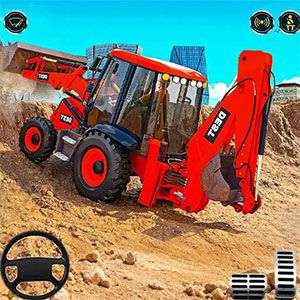
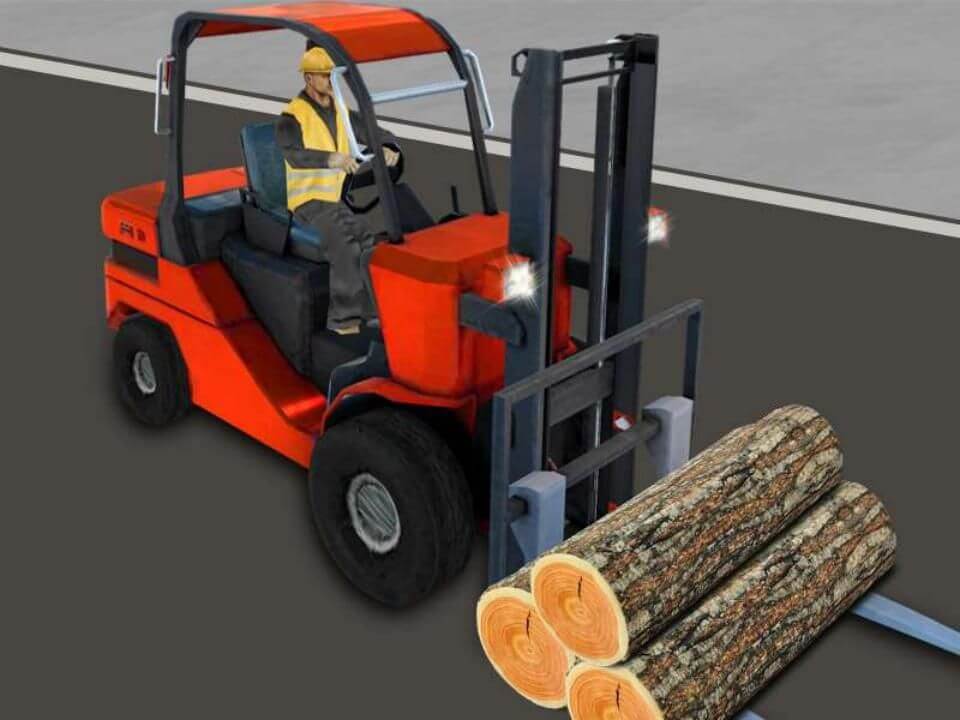
Welcome to Lite Construction Simulator — the perfect casual construction game for every kid who’s ever dreamed of running heavy machinery! Hop behind the controls of mighty excavators, tough haul trucks, towering cranes and more, and master the precise operation of every robotic arm at your command. Tackle a whole lineup of epic construction tasks: dig deep foundations, lift and haul materials, fill and level sites, and so much more. Each level brings a brand-new challenge, so follow the clear hints to plan your moves smartly — and don’t forget to finish every job on time! With smooth, intuitive controls and gameplay that’s relaxing yet totally engaging, you’ll be hooked from your first dig. Stick to each mission’s objectives to nail every construction job and unlock all new levels one by one. Now grab your controls, dig in, and build your wildest construction dreams come true!
Game Features
1. Control Various Heavy Machinery at Will: Excavators, cranes and construction vehicles are all available, with precise robotic arm operation for ultimate relaxation.
2. Unique Levels with Fresh Fun: Diverse tasks including digging, handling and foundation filling, each level brings new challenges.
3. Fun Time-limited Challenges: Casual gameplay with no grind or pressure, time-limited mode boosts immersive fun.
4. Lightweight & Easy to Master: The Lite version fits fragmented time perfectly, smooth controls for newbies to pick up in seconds.
5. Rewarding Progressive Unlocks: Complete missions to unlock new levels and grow into a top construction master step by step.
Gameplay and Controls
1. Start the game, select your level and machinery (excavator, crane, etc.).
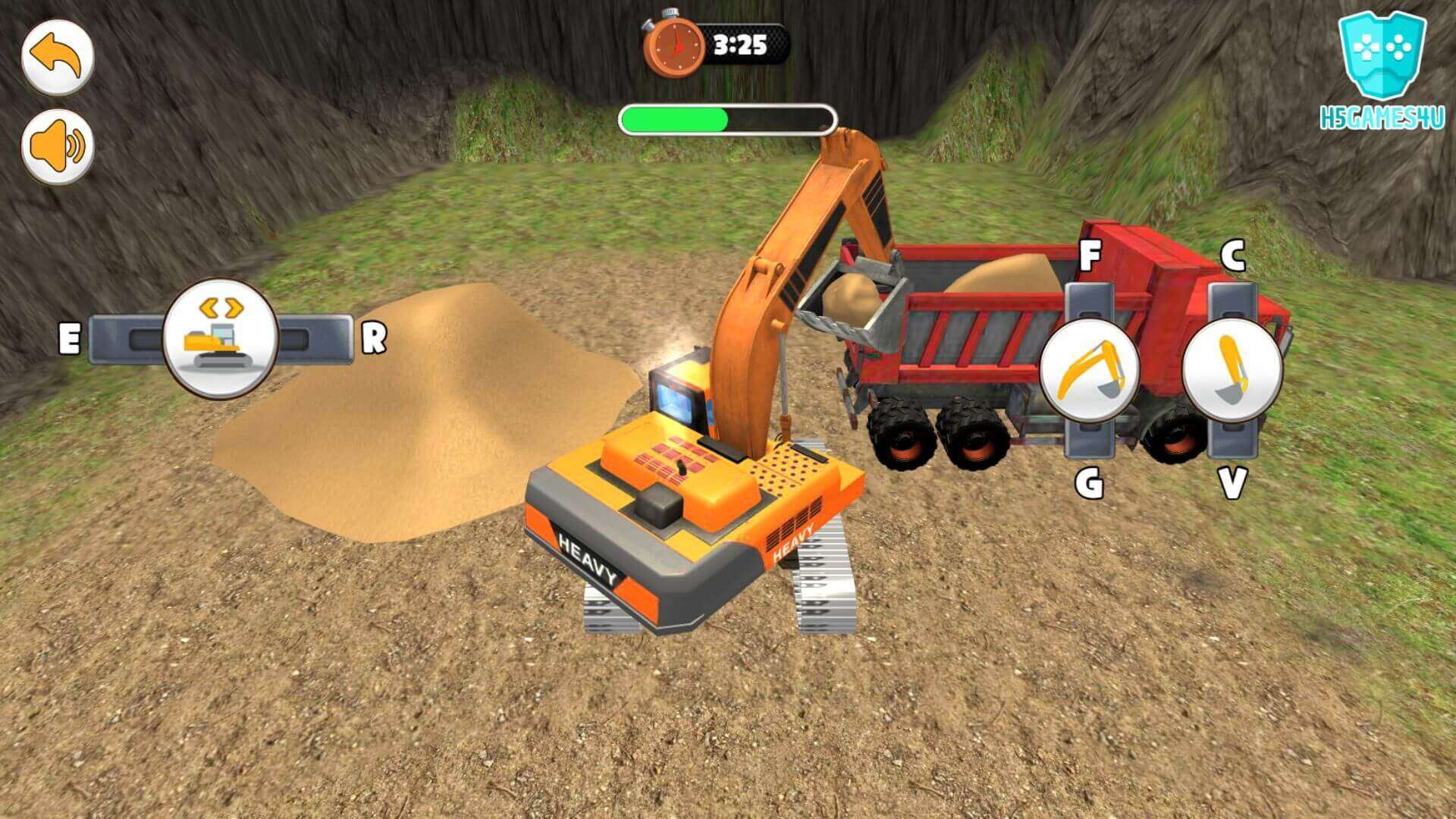
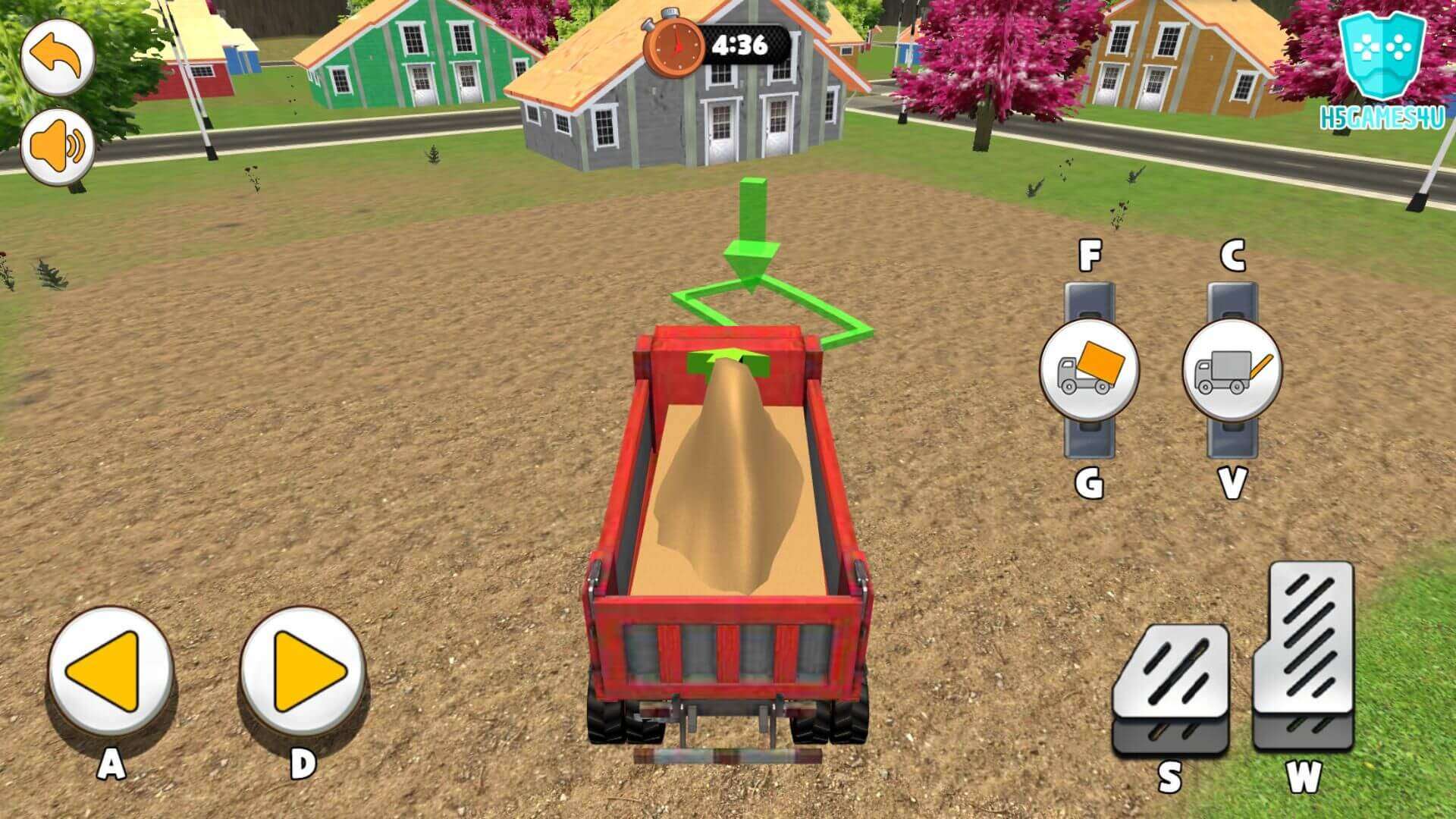
2. Core controls: Slide or tap the screen to move machinery and control the robotic arm precisely.
3. Fulfill tasks: Follow hints to finish assigned jobs like digging, material handling and foundation filling.
4. Note: Keep an eye on the time limit; complete the current mission to unlock the next level.
Game Guide
As a casual simulation game for machinery enthusiasts, the core fun of Construction Simulator Lite lies in precise control and task planning. Master the following tips, and you can quickly grow from a construction novice to a master builder, easily unlocking all levels.

I. Basic Operations: Precision Control Is Key
A novice's top priority is to familiarize themselves with the operating logic of various machinery. After starting the game, select the corresponding machinery according to the level task—prioritize an excavator for digging foundations, lock in a crane for moving materials, and use a construction vehicle for on-site transportation. When controlling, slide or tap the screen to move the machinery, and slow down when operating the robotic arm. Use the perspective switching function to find the exact landing point to avoid material dropping or operational errors. It is recommended to complete the first two beginner levels first to fully adapt to the smooth control feel, laying a solid foundation for subsequent complex tasks.

II. Level Challenge: Complete Tasks Efficiently by Following Processes
Although each level's task is different, following the "plan-execute-wrap up" process can greatly improve efficiency. First, carefully read the task hints to clarify the core objectives (such as digging foundations, transporting materials, filling foundation pits) and time limits, and prioritize planning the operation sequence: for example, for a foundation digging task, first locate the excavation range, then operate smoothly, and finally clean up the site. Pay attention to details during execution: control the depth when digging to avoid over-excavation; ensure the robotic arm is fully locked onto the materials before moving them; fill the foundation evenly to avoid local depressions. If time is tight, you can prioritize completing core tasks before handling detailed finishing work.
III. Advanced Tips: The Key to Unlocking Levels
1. Time Management: Estimate the time required for each step at the start of the level, prioritize completing time-consuming core operations, and reserve 3-5 minutes to deal with unexpected mistakes. 2. Machinery Adaptation: For complex levels, you can flexibly switch machinery—for example, first use an excavator to dig the foundation, then switch to a construction vehicle to transport waste materials, improving operation efficiency. 3. Error Handling: If materials drop or operational deviations occur, don't panic. Adjust the machinery position in time to re-operate, avoiding wasting time due to impatience. After completing the current level, unlock new machinery in a timely manner, and operations in subsequent high-difficulty levels will be easier.
In summary, the core of clearing levels in this game lies in "precision + planning". Familiarize yourself with machinery operations, advance tasks according to the process, and control time reasonably. You can then smoothly unlock all levels while enjoying the fun of casual construction, realizing your construction dreams.